Testing a Connectors
Once you setup your connector, you can test it using the Test button on the top navigation on the Connectors window.
Note: The testing details differ depending on the connector type. You can find additional details on the pages for each connector, see Connectors.
Testing Generic Connectors
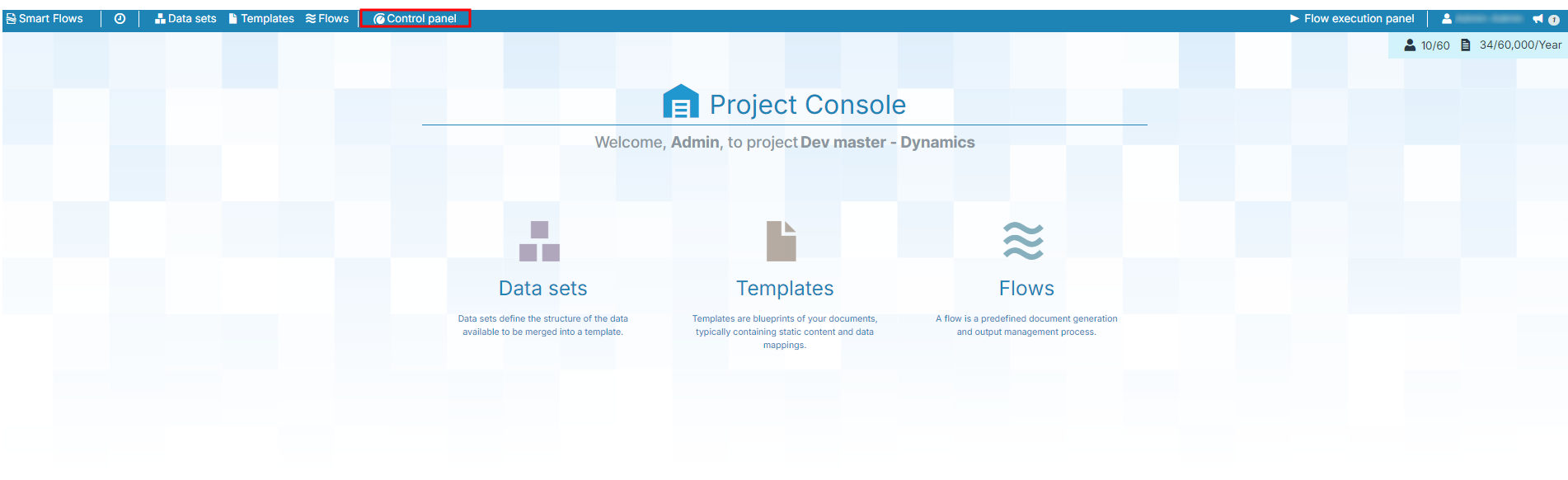
| 1. | In the Project Console, select the Control panel button. |
The Control panel displays.
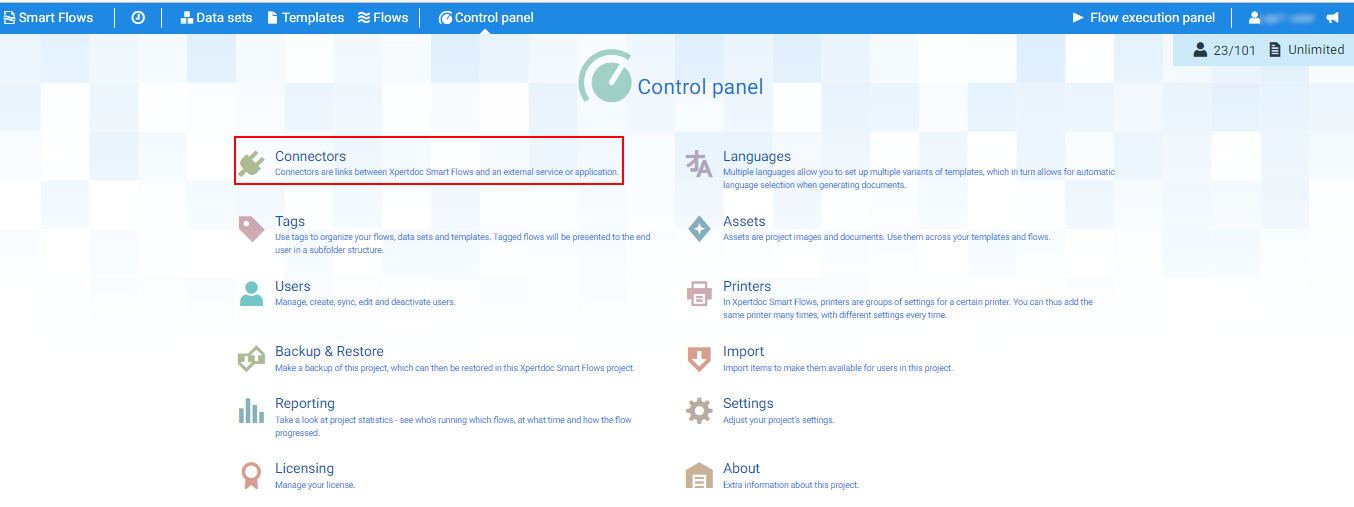
| 2. | Select the Connectors button. |
The Connectors page displays.
| 3. | In the List view, select an existing Connector. |
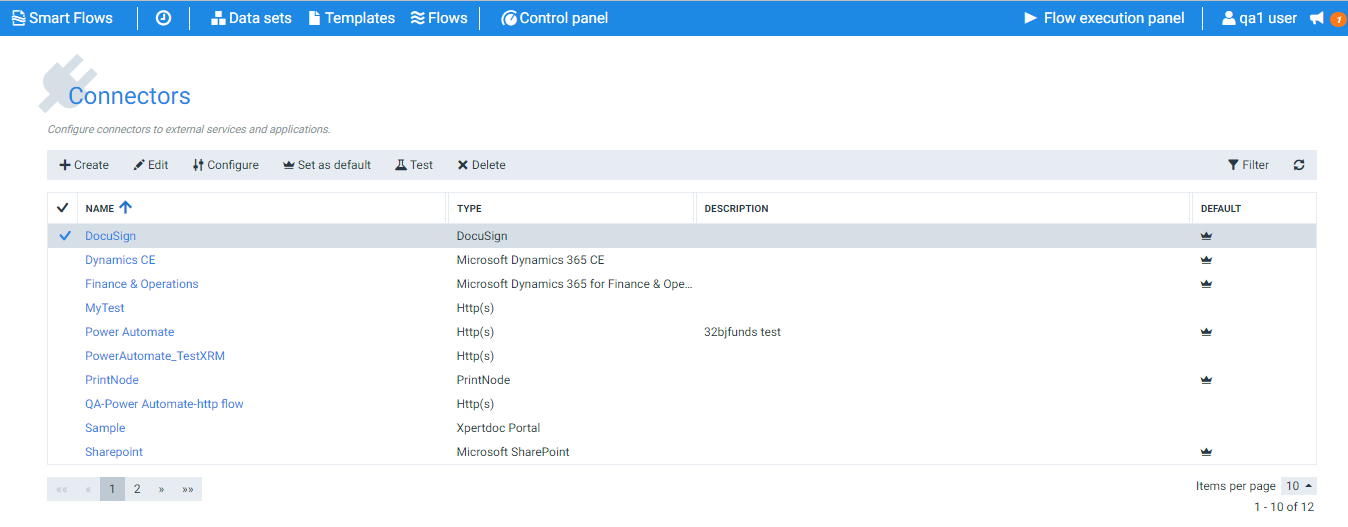
| 4. | Select the Test button. |
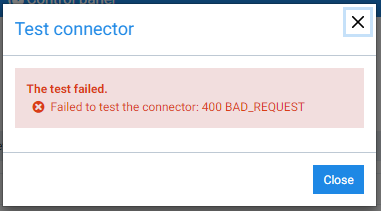
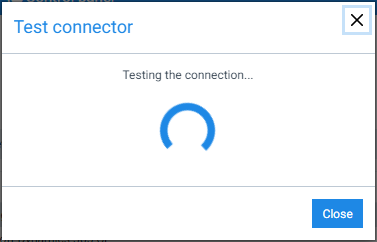
The Test connector window displays.
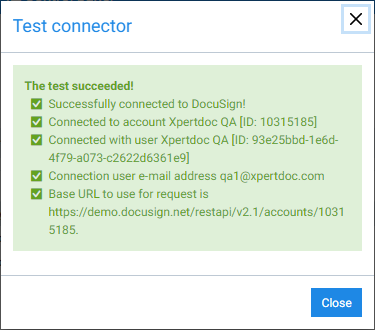
When the testing process completes, a success message is displayed.
Similarly, if the testing fails after the testing process, a failure message is displayed.