Execution Code
The Template Designer allows the definition of custom code that can optionally be run before or after the actual document content is processed. You can create custom code by clicking on Execution Code in the ribbon:

Clicking on the button opens the Execution Code pane.
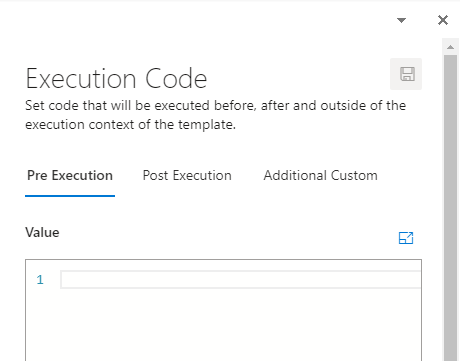
Pre Execution
Code that will be processed before the document area code is processed. Typically used to perform initialization, logic or calculations when template is initiated.
Post Execution
Code that will be processed after the document area code is processed. It is rarely used.
Additional Custom
Allows the creation of reusable methods and classes for use in your template.