SugarCRM
Connectivity errors from SugarCRM to Smart Flows
Problem: Sugar CRM users began to report connection errors to the Smart Flows server. When the user clicks the Smart Flows button in Sugar, an error message, "The Smart Flows server cannot be reached, please contact your Smart Flows administrator" is displayed.
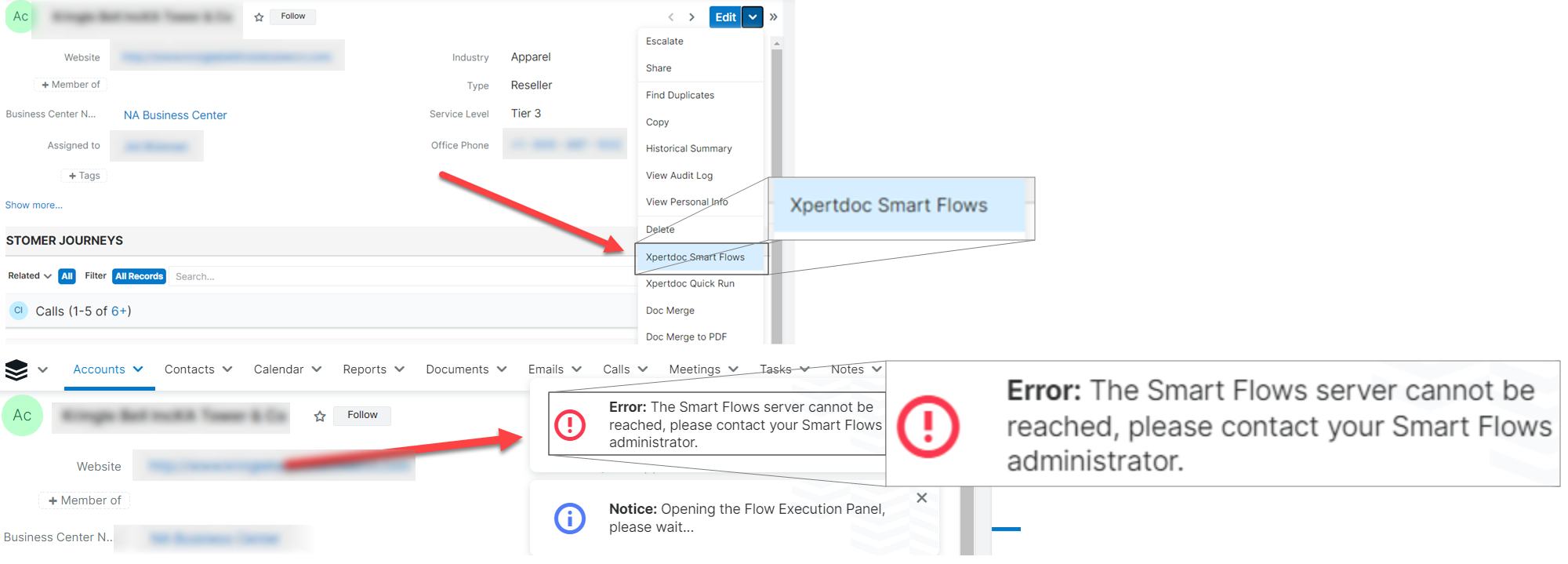
Solution: Sugar CRM require administrators to explicitly define external sources in the Content Security Policy. If the Smart Flows URL is not included, the browser blocks the requests sent to the server. To add the URL, navigate to Sugar CRM > Admin > System Settings > Content Security Policy and input the URL(s) here.
The flow is not prompting any questions
Problem: User is not being prompted for any input when running a flow.
Solution: In SugarCRM, update the fly-out behavior to prompt user for input to ensure all input steps are attempted.
| 1. | Navigate to User > Admin. |
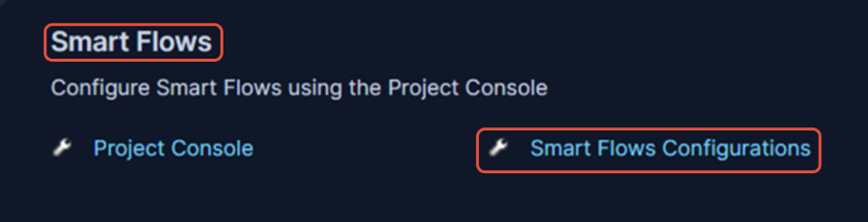
| 2. | Find Smart Flows and select Smart Flow Configuration. |
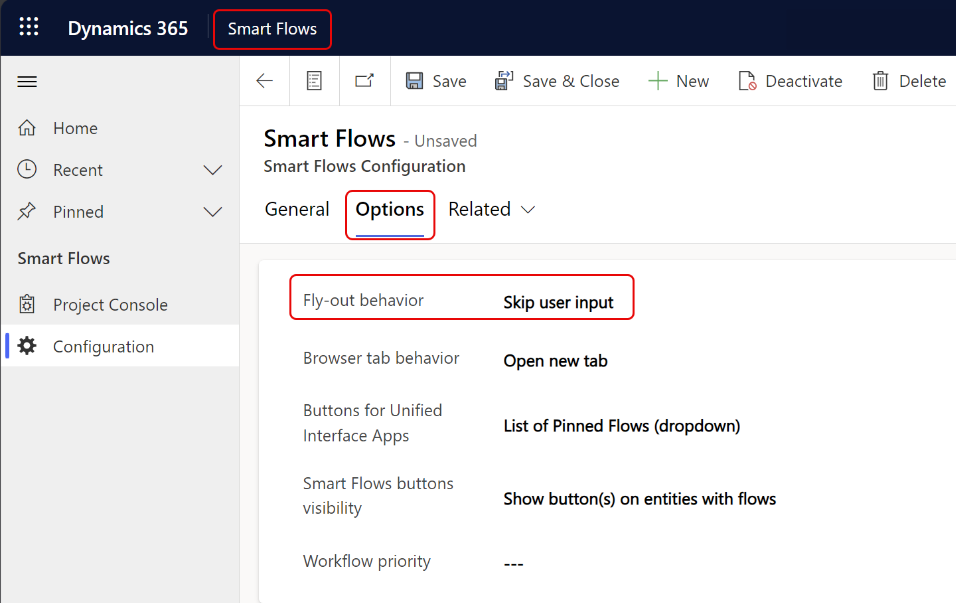
| 3. | Select active Smart Flows configuration. |
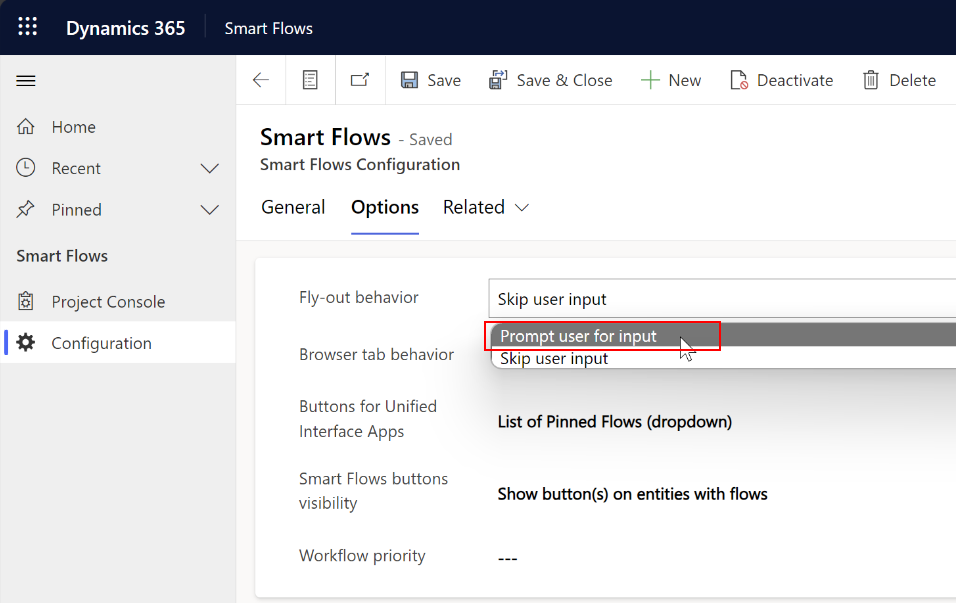
| 4. | Change Flyout behaviour to Prompt user for input. |
| 5. | Select Save. |