How to Sort a Loop Twice
Question
A lot of people ask us: how can I sort my loop twice?
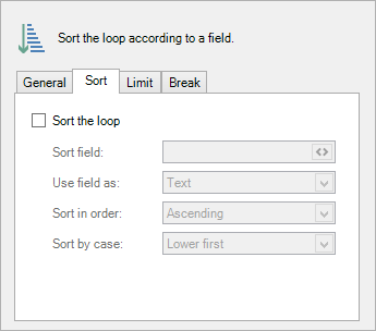
You can do it once easily, using the Loop settings window's Sort tab:
But how do you apply another sorting?
Answer
It's not intuitive, but it works: by using a group. For sorting twice, here's what you need to do:
| 1. | Create the loop you want. This is our loop, over the table row, and the result: |

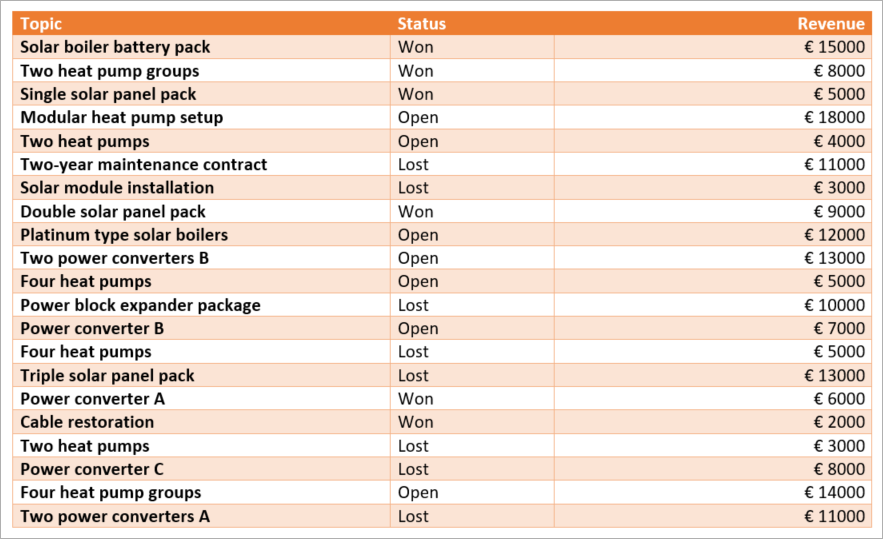
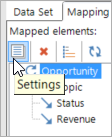
| 2. | In the pane's mapping tab, select the loop, then Settings. |
| 3. | Go to the Sort tab, check the box and select your desired loop settings. Note that this is the secondary sorting. |
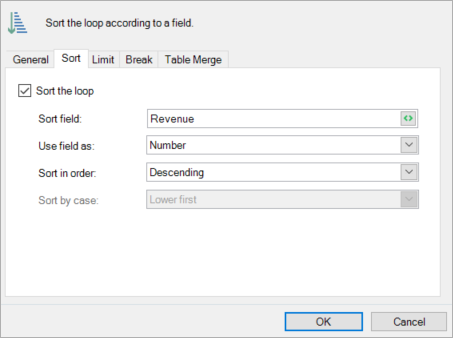
| 4. | Now your loop is sorted once. In our case, we've sorted by Revenue: |
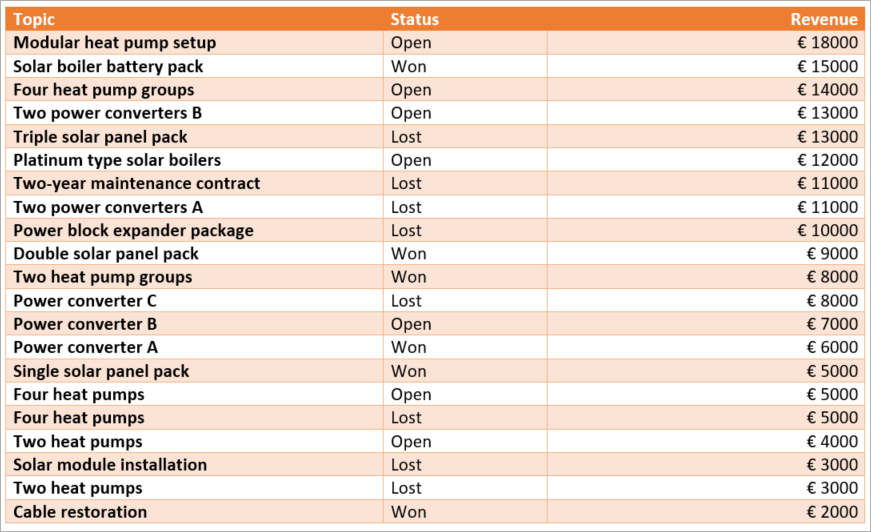
| 5. | Next, we want to sort according to the opportunity status, which will be our primary sorting. To do that, we'll use an embedded group box. An embedded group box is simply a group box that is placed directly around the loop box. To make one, first select the line encompassing the loop: |


| 6. | Then, select the field you want to sort over, and select Group. Here we've chosen Status: |
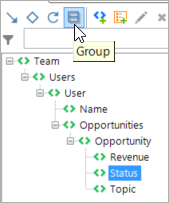
| 7. | That should do it. Let's preview: |
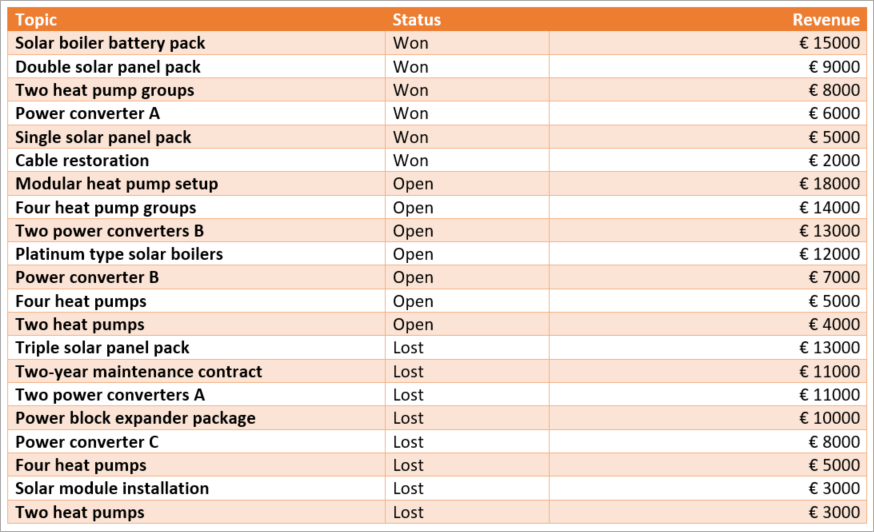
And now you see that our loop is sorted twice: firstly on Status and again on Revenue. That's all there is to it!