Clear Connector Cache
Over time connectors can slow down due to data build up in the cache. You can use the Clear cache button to manually clear a Connector’s cache. Clearing the connector cache can also restore missing system tags by refreshing the connector.
To change the layout of your entities, such as adding a new entity, you need to select on the Clear cache button to refresh the entity layout and make the new entity available for Smart Flows.
Clear Connector Cache
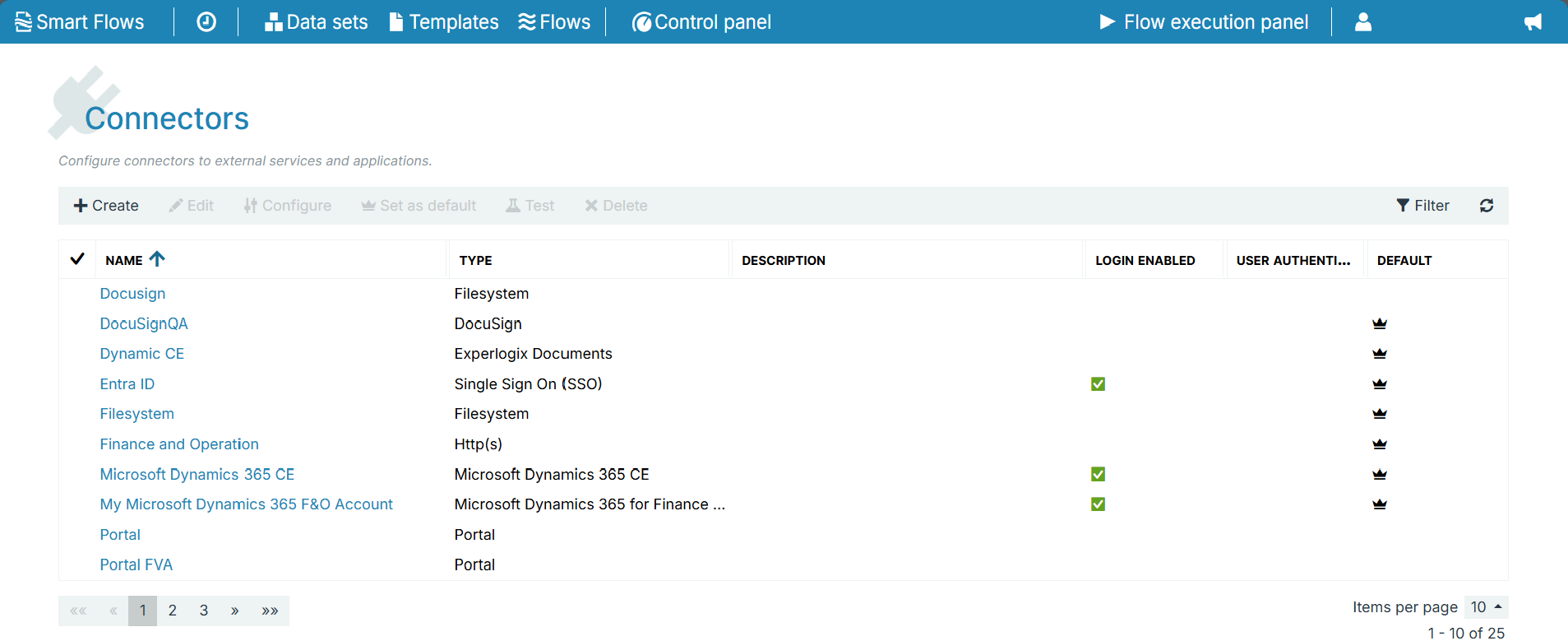
| 1. | In the Project Console > Control panel > Connectors. |
| 2. | Select the Connector from the List view. |
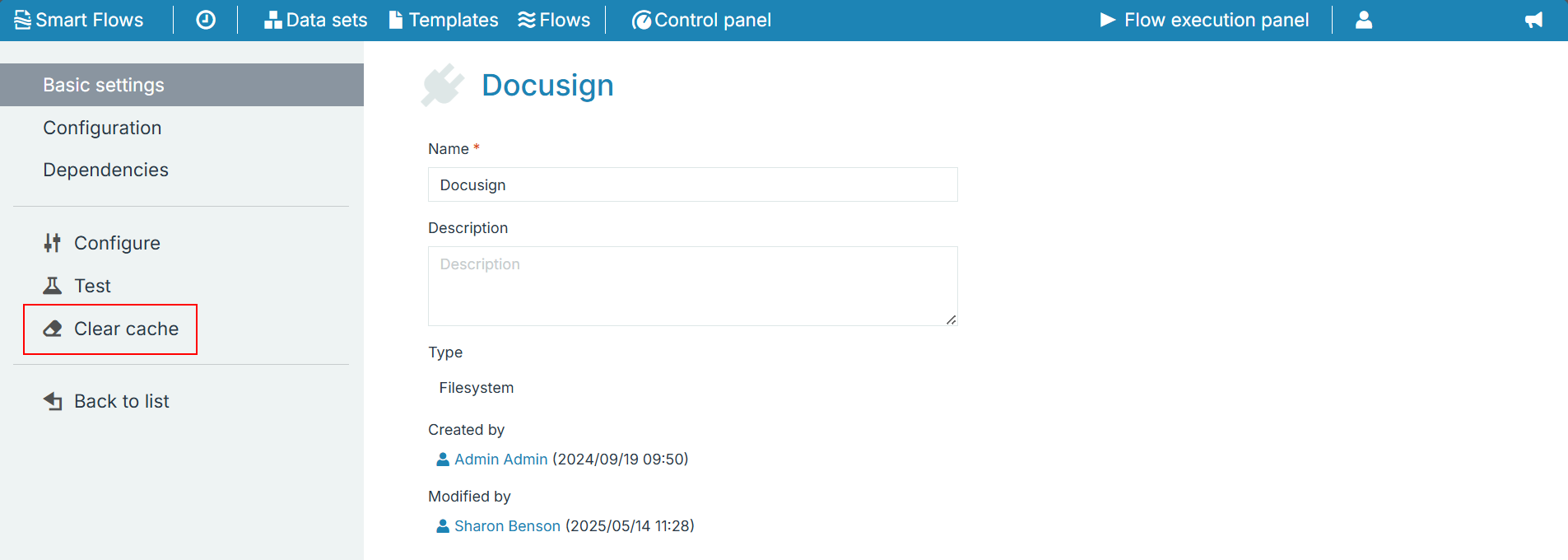
| 3. | Select Clear Cache. |
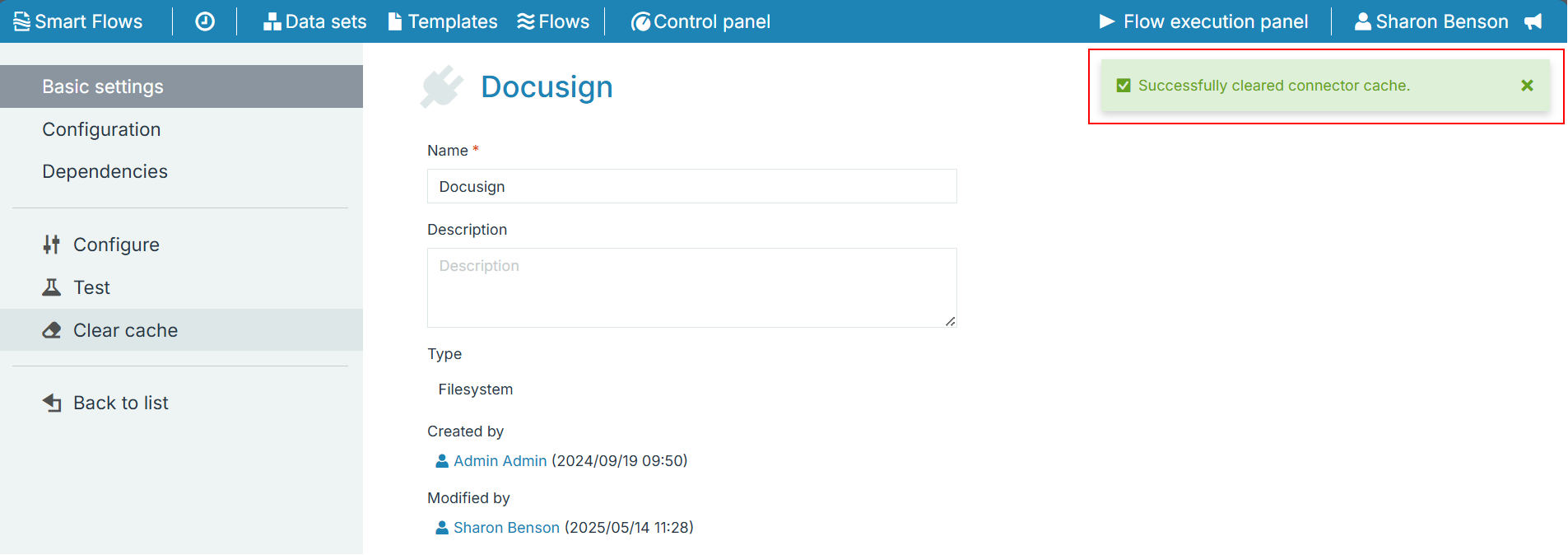
When the clearing connector cache completes, "Successfully cleared connector cache" message is displayed.