Salesforce Connector configuration
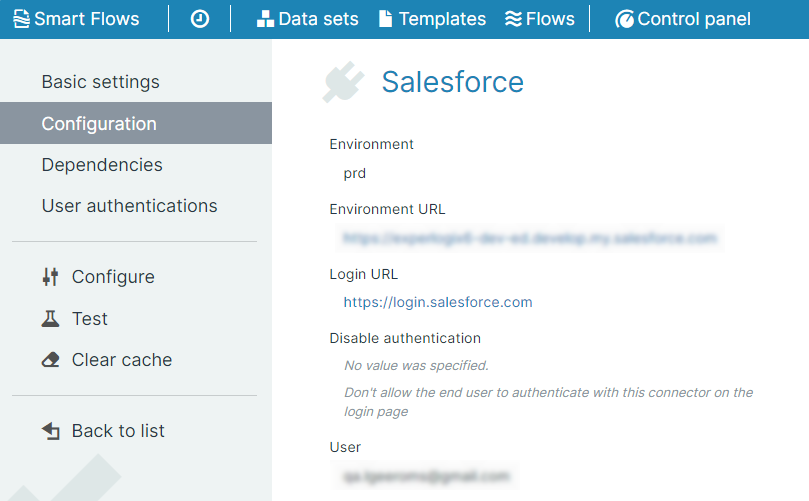
The Salesforce configuration provides the detail information for the Salesforce Connector. Adminstrators can view the information in the Control Panel > Connectors > Salesforce > Configuration section. The parameters are explained in the table below:
|
Field Name |
Description |
|---|---|
|
Environment |
The selected Salesforce environment for the connector. |
|
Environment URL |
The URL of the Salesforce instance. |
|
Login URL |
The URL used to create and connect to the Salesforce instance. |
|
API Version |
The version of the API used to do all communication with Salesforce. The users can access the API versions by selecting the respective Smart Flows releases from the drop-down. |
|
User |
The Salesforce user of the connector authentication. |
|
Session lifetime (in seconds) |
The number of seconds for which a Salesforce session will remain active. The Session lifetime resets every time a request is performed on Salesforce by the Smart Flows connector. |
|
Meta data language |
The default language of the Salesforce instance. |
|
Suggested Salesforce objects |
The first list of the Salesforce Objects that have buttons configured. |
|
Other Salesforce objects |
The second list of the Salesforce Objects that have buttons configured. |
|
Custom Salesforce objects |
The third list of the Salesforce Objects that have buttons configured. |
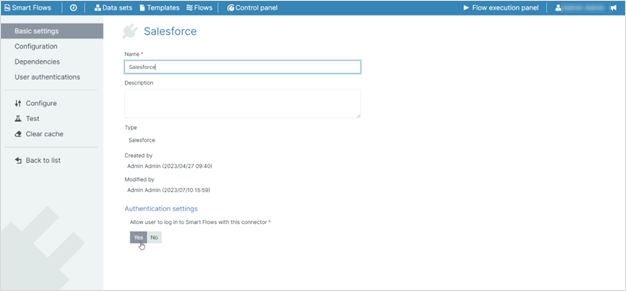
Authentication Settings
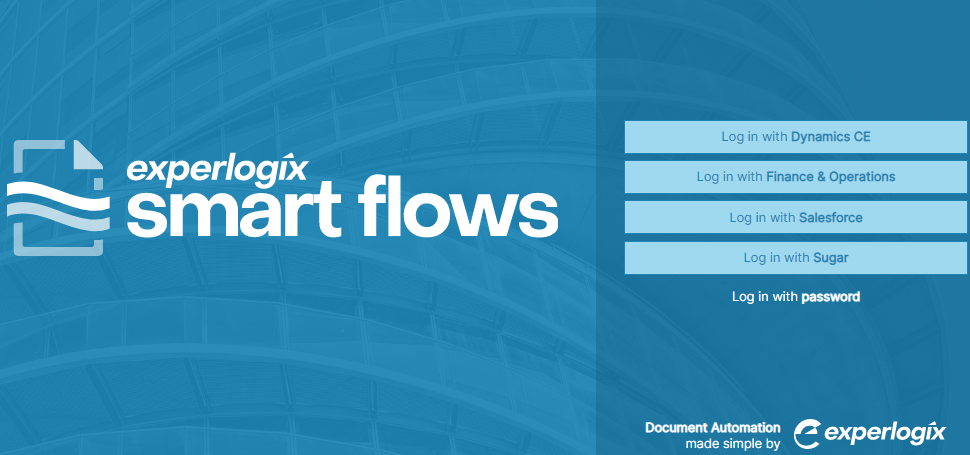
The Smart Flows login screen shows all the primary connectors that can authenticate and serve as login gateways. With the 4.18 release, the Smart Flows administrator can choose which connector is available for the user as a login mechanism.
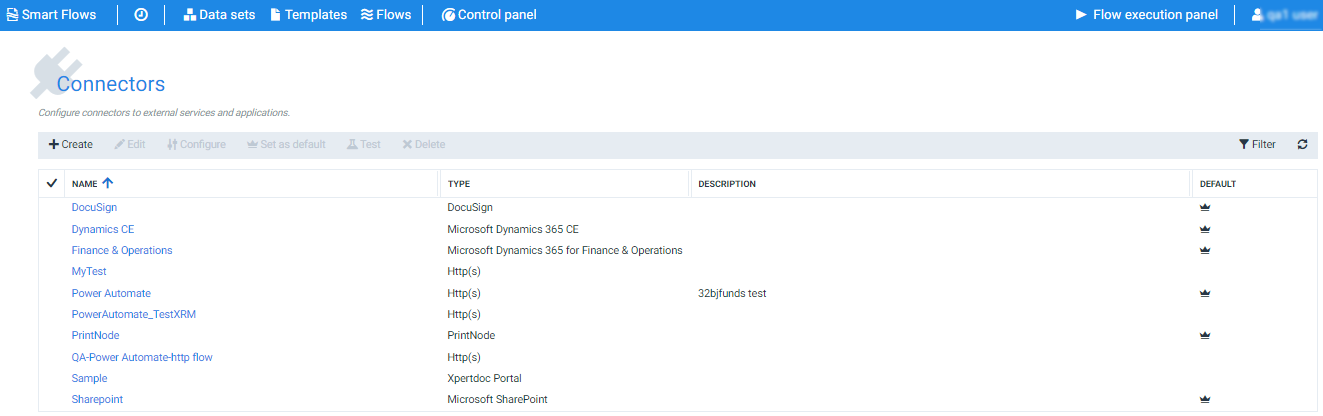
| 1. | In the Project Console, Navigate to the Control Panel > Connectors. |
| 2. | In the Connectors List view, click any connector supporting this feature. (Business central, CE, Salesforce, Sugar, DocuSign, F&O, SSO) |
| 3. | In the Basic settings, you can view Authentication settings section at the end of the page. |
Decision Point
If you want the users to use the Salesforce connector for Smart-Flows login, select Yes.
If you do not want the users to use the Salesforce connector for Smart-Flows login, select No.